Free trading journal template (Excel / Notion)
A ready-to-use trading journal template, the essential columns to recreate in Excel or Notion, and the moment you should move to a dedicated tool.
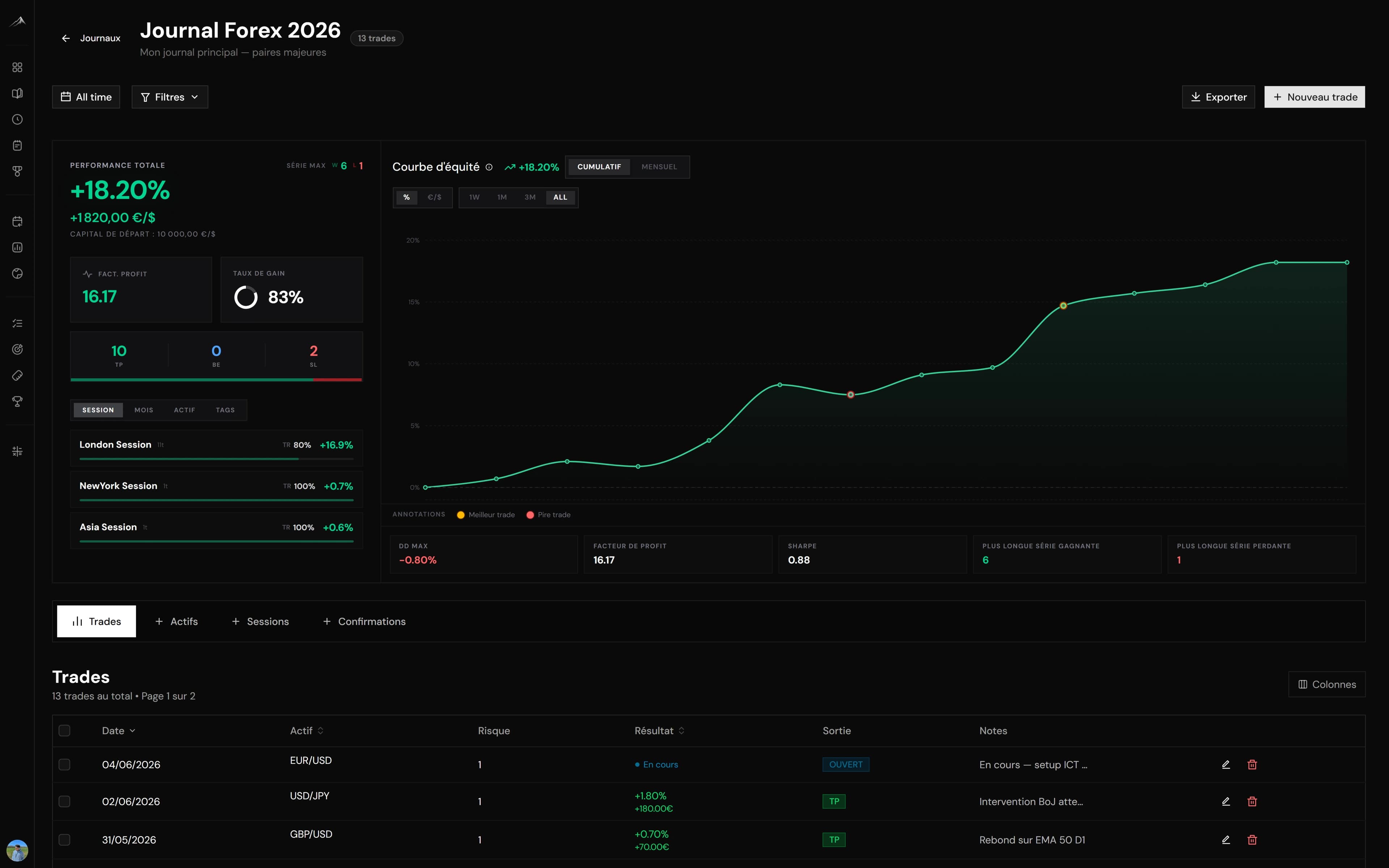
You don't need a sophisticated tool to start journaling today. Here are the columns to recreate in a plain Excel, Google Sheets or Notion table.
The essential columns
| Column | Purpose |
|---|---|
| Date | Place the trade in time |
| Instrument | EUR/USD, XAU/USD, BTC… |
| Direction | Long or short |
| Risk (%) | How much you were risking |
| Result (R) | The multiple of risk won or lost |
| Setup | The precise entry reason |
| Plan followed | Yes / No |
| Emotion | Calm, FOMO, revenge… |
How to use it
- Fill in the setup and the risk before you enter.
- Close the row on exit, recording the result in R.
- At the bottom of the sheet, compute your win rate and your cumulative result in R.
The detailed method is in how to keep an effective trading journal.
When to move to a dedicated tool
A free template has a known ceiling: entry friction and basic statistics. As soon as filling in your table becomes painful, you are ready for an automated journal. We break down that switch in automated vs manual trading journal.
Altiora keeps the same column logic, but imports your trades automatically and computes your metrics for you — get started for free.
About the author
L’équipe Altiora
Altiora editorial team
Altiora's editorial team brings together active traders and the product team. We write about discipline, journaling and performance analysis, grounded in how the platform actually works. We never give investment advice.
Read next
Trading journal: the complete guide to getting better
Why keeping a trading journal changes everything, what to record, which statistics to track, and how to move from a manual notebook to automated tracking that actually compounds.
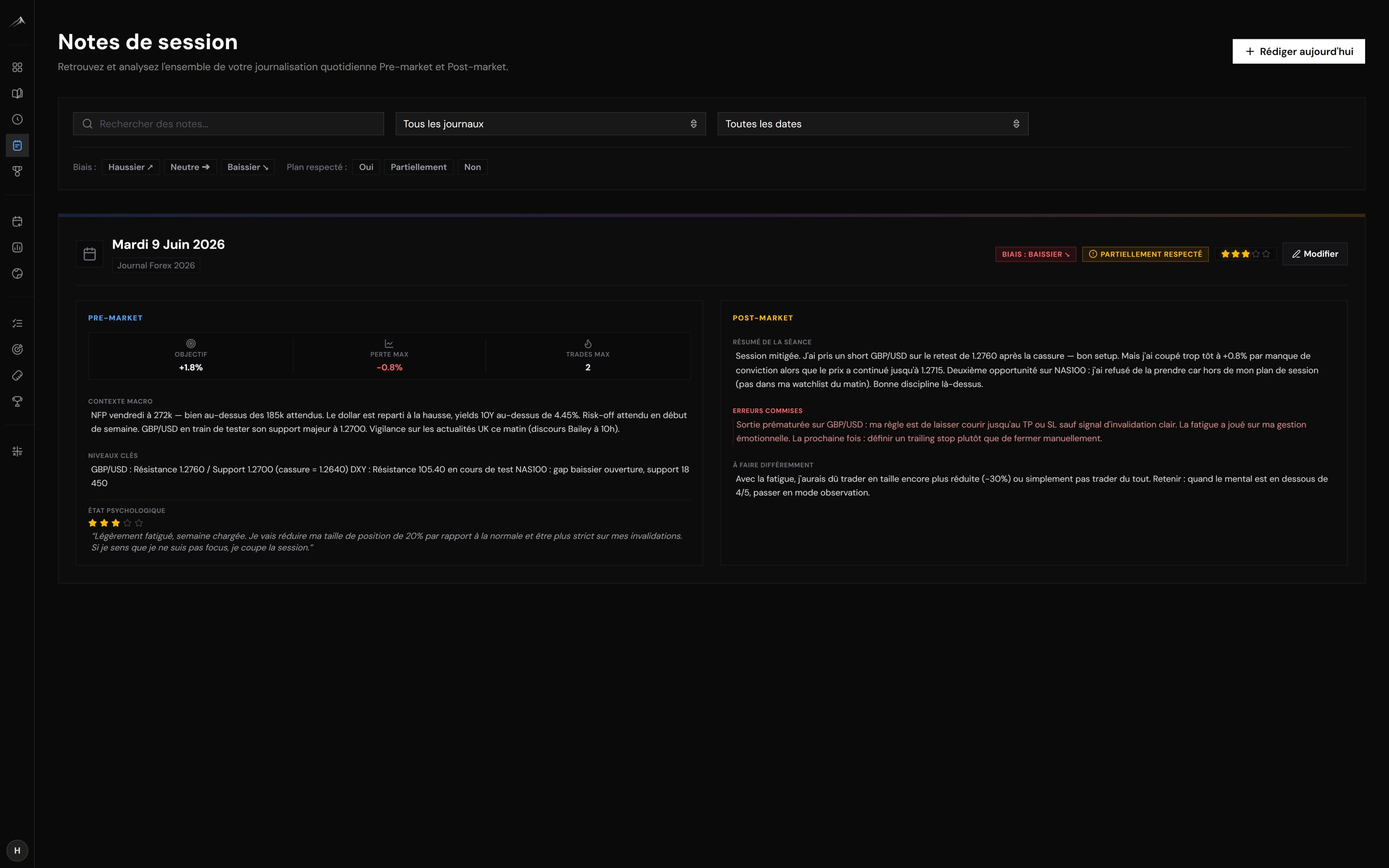
How to keep an effective trading journal (beginner guide)
The step-by-step method for a trading journal you will not drop: what to record, when to fill it in, and how to review it so it actually makes you better.
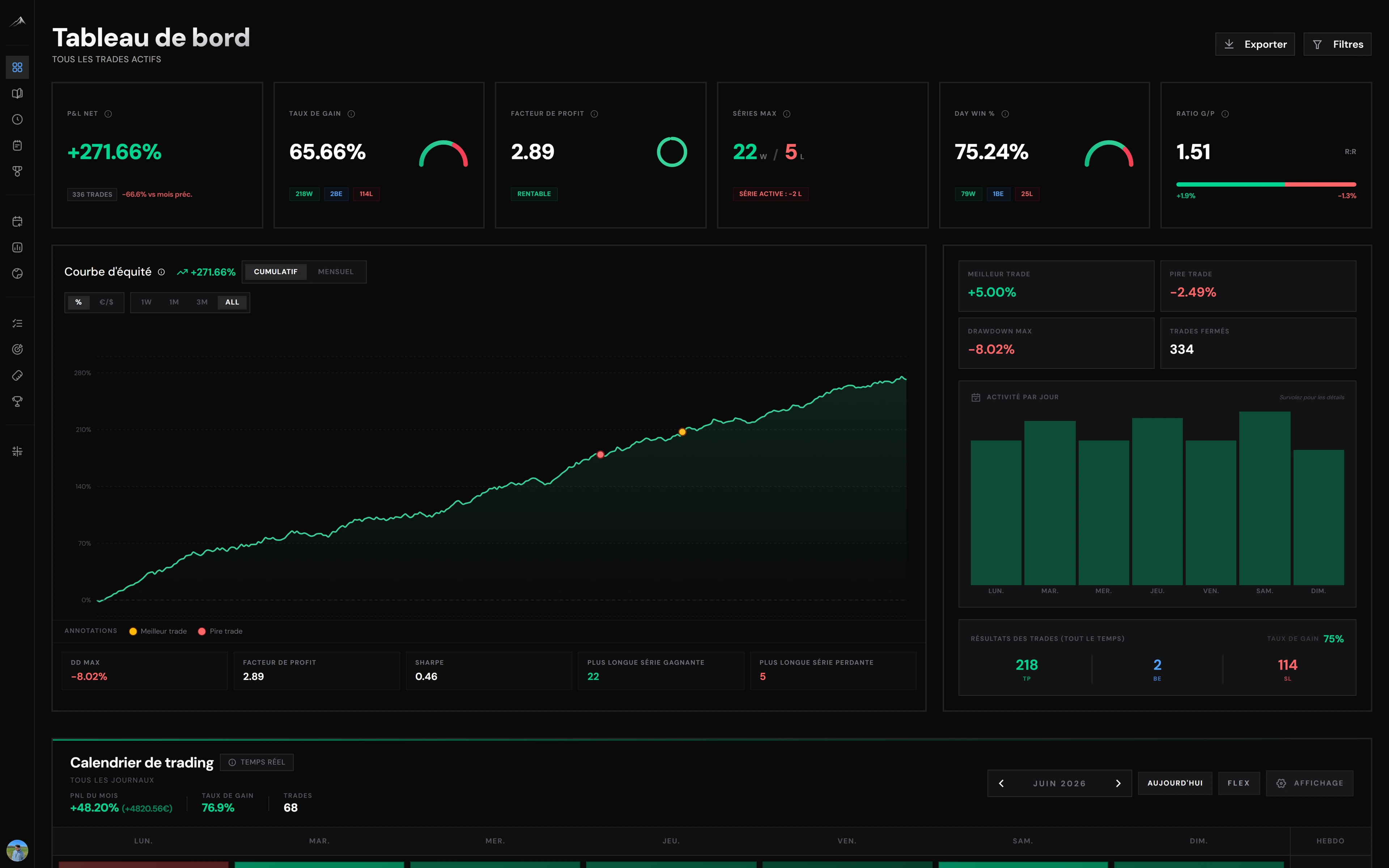
Automated vs manual trading journal: which should you choose?
Notebook, spreadsheet or automated journal: the strengths, the limits and the hidden cost of each approach, so you can choose with your eyes open.